Nothing goes without an explanation
Every item has a tier, a reason and, when it can be rebuilt, the command that rebuilds it. Scanning only reads. Everything you remove goes through one review sheet that lists exactly what will happen.
Rebuilt automatically or never needed again: caches, logs, build output in projects you haven't touched in a month.
Can be rebuilt, at a cost in time or download: package caches, Docker images, build output in projects you're working on.
Might hold the only copy of something: device backups, inactive projects, second clones. These go to the Trash, so you can put them back.
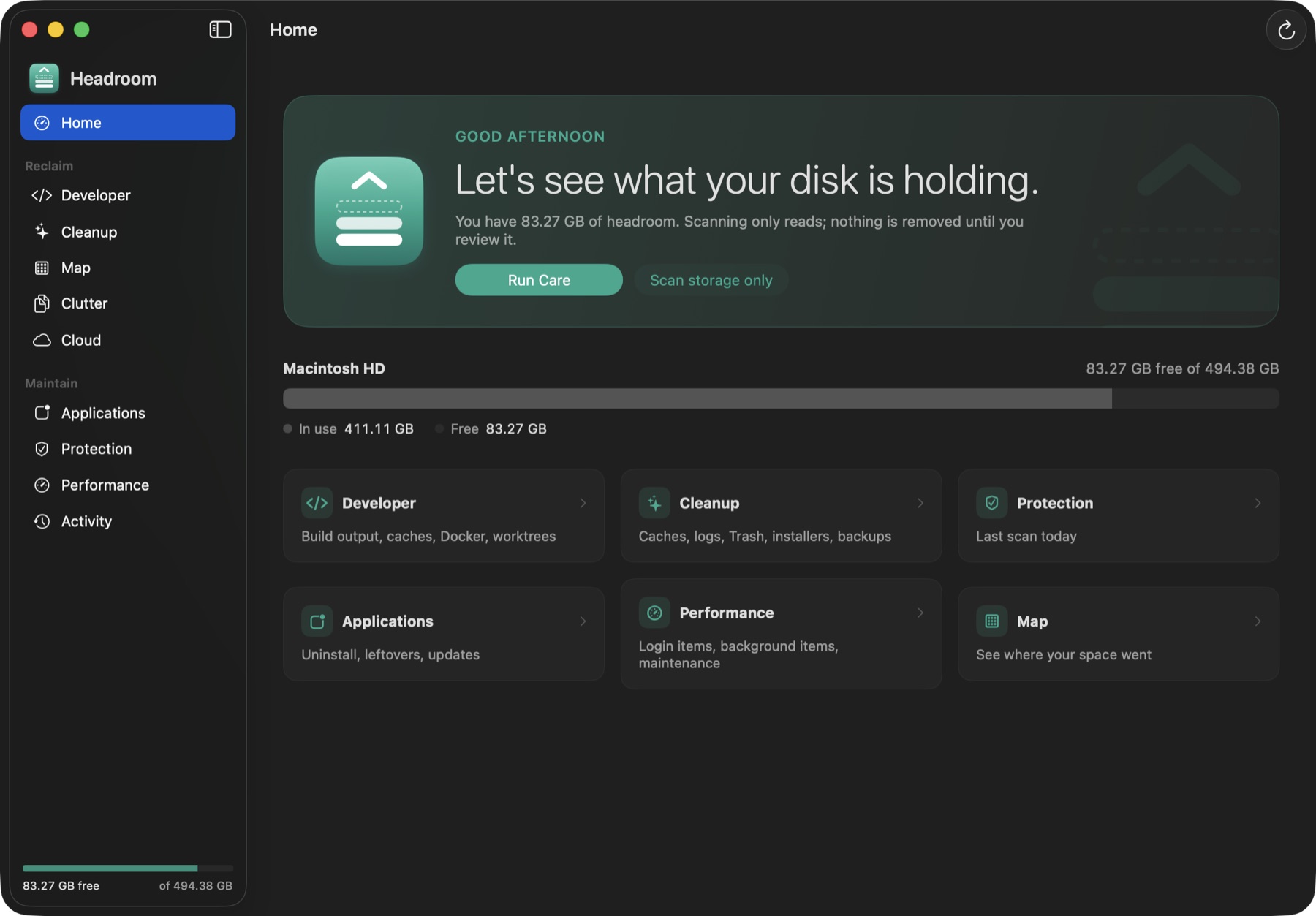
What it covers
One app for the things a developer's Mac fills up with, and the things every Mac does.
Developer
node_modules, Rust targets, SwiftPM and Gradle builds, Xcode DerivedData and simulators, package caches, Docker, editor caches, git worktrees. Each project shows its last commit and whether everything is pushed.
Cleanup
App caches, logs, the Trash, Mail attachment copies, installers you already installed, old device backups and broken preference files.
Map
A treemap of any folder, coloured by how safe each part is to remove, so you can see where the space actually went.
Clutter
Large and old files, byte-identical duplicates (it understands APFS clones) and similar photos, compared on your Mac with Apple's Vision framework.
Applications
Uninstall an app with the leftovers it left in your Library, find leftovers from apps you already deleted, and check for updates.
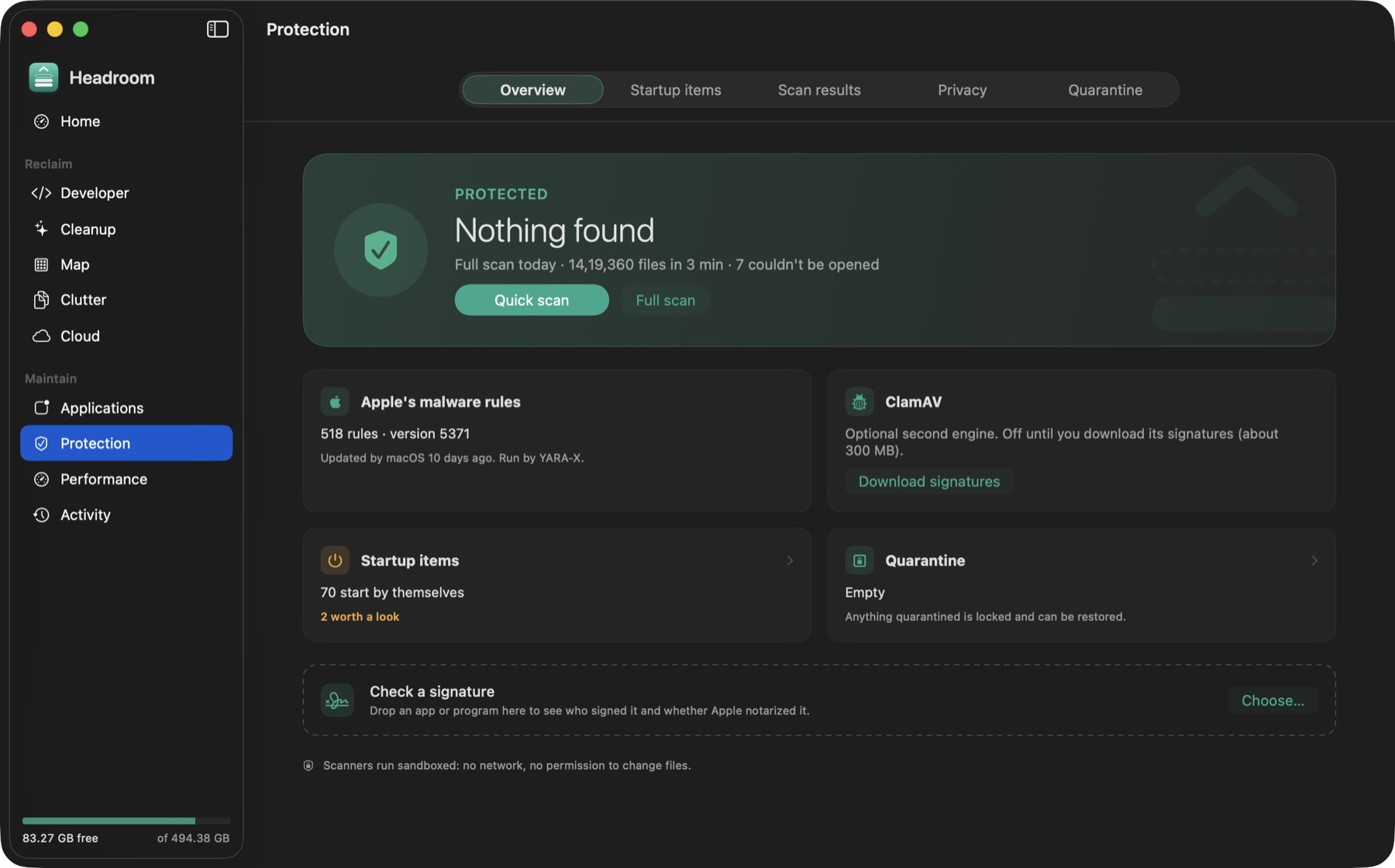
Protection
Scans with Apple's own XProtect rules through YARA-X, plus optional ClamAV. It also audits everything that starts by itself and checks code signatures. Detections go to a quarantine you can restore from.
Built to be trusted with your disk
- A fixed deny-list sits below every rule. Nothing inside
.git,.ssh, keychains,.envfiles, Photos libraries or top-level folders is ever touched, whatever a rule says. - Duplicates are checked again right before they're removed: if the copy being kept has moved or changed, the duplicate stays.
- Malware scanners run sandboxed, with no network and no permission to change files.
- No telemetry and no account. Nothing about your files leaves your Mac.
Install
Two minutes, and only the first step is required.
Drag it to Applications
Open Headroom.dmg and drag Headroom into Applications. If you open it from the disk image, it offers to move itself.
Allow Full Disk Access
Optional, for complete scans of Mail, Safari and app containers: System Settings › Privacy & Security › Full Disk Access, then add Headroom. A banner in the app walks you through it.
Turn on malware scans
Optional. Install YARA-X with Homebrew: brew install yara-x. Headroom picks it up and runs Apple's XProtect rules with it.